
Gangnam Style AI From One Photo: Make a Solo Video
Use one selfie or portrait to make a true one-person, 15-second vertical Gangnam Style AI video.
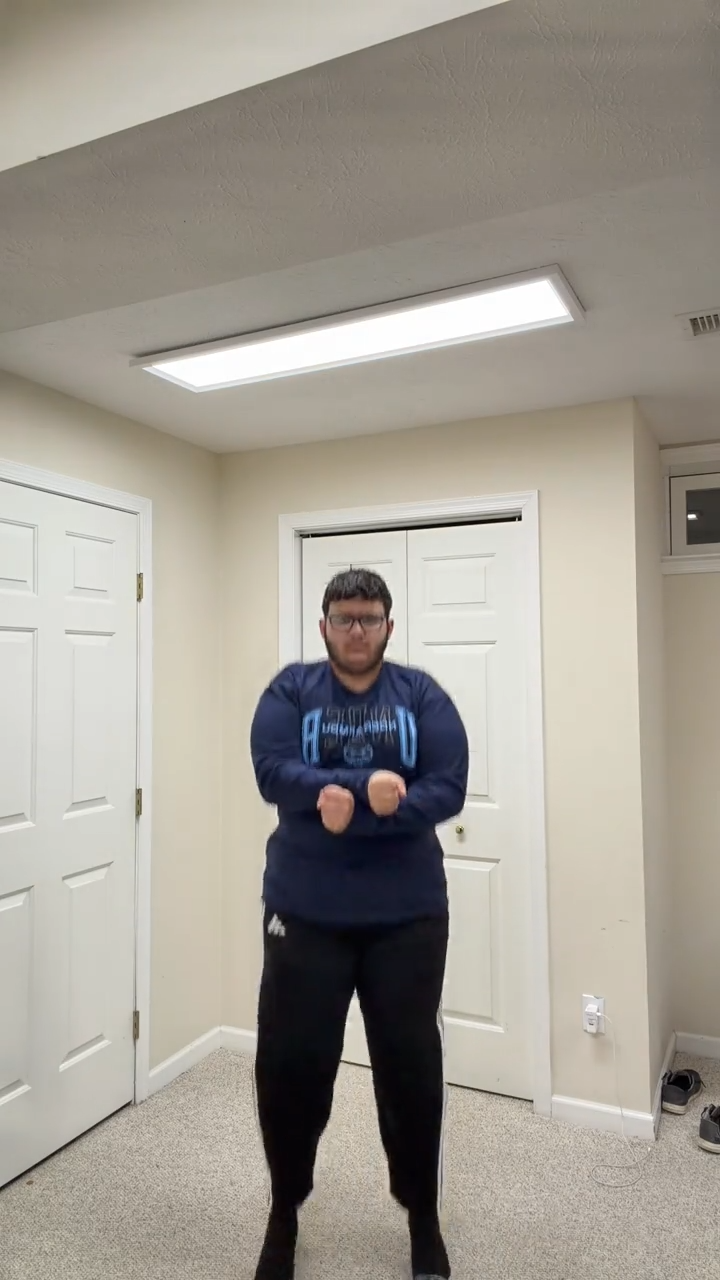
Gangnam Style AI from one photo creates a true solo video. The generator selects a prepared reference with one dancer and maps your selfie or portrait to that person, so the finished cast contains one person rather than a duplicated trio.
How one-photo mode works
Upload one portrait and the generator automatically selects the one-person reference video. Your photo maps to its single dancer for the full 15-second sequence.
One-photo mode is useful when you want a quick solo version or only have one good image. There is no cast-order decision because the selected reference contains one person.
Choose a selfie that stays clear in motion
Use a photo where the face is large enough to read, the eyes and facial outline are visible, and the lighting is even. A front-facing or lightly angled portrait generally works better than an extreme side profile. Avoid heavy blur, strong beauty filters, oversized sunglasses, or shadows that hide half of the face.
Read the photo guide before uploading.
Make the solo version
Open the Gangnam Style AI Video Generator, choose one-photo mode, add the portrait, and review the preview. The interface labels this as the solo template. The finished output is a 15-second, 9:16 vertical 720p video that you can download from your account.
For a stronger short-form hook, use a caption that introduces the solo dance or your chosen look. The video ideas guide includes more solo, duo, and trio concepts. You can also compare one-time video packs before generating.
Related guides
1, 2, or 3 Photos: Choose Your Gangnam Style AI Template · Best Photos for a Gangnam Style AI Video
Frequently asked questions
Can one selfie make a one-person Gangnam Style AI video?
Yes. One-photo mode selects a separate one-person reference and maps the selfie to its single dancer.
What kind of selfie works best?
Use a sharp, front-facing image with even light, visible facial features, and little motion blur.
Keep exploring
Related Gangnam Style AI guides
1, 2, or 3 Photos: Gangnam Style AI Formats Explained
Understand one-person, two-person, and three-person Gangnam Style AI formats, photo choices, and current generation availability.
Read articlePhoto guideBest Photos for a Gangnam Style AI Video
Choose better photos for Gangnam Style AI videos with practical tips for facial detail, clothing, lighting, and framing.
Read articleHow-toHow to Make a Gangnam Style AI Video From a Photo
Learn how to choose a photo, use the prepared Gangnam Style AI dance reference, and preview and download your finished video.
Read articlePut the guide into practice
Make your Gangnam Style AI video.
Create a Gangnam Style AI video from your photo. Make the viral dance online, preview your result, and download a video for TikTok, Reels, and Shorts.